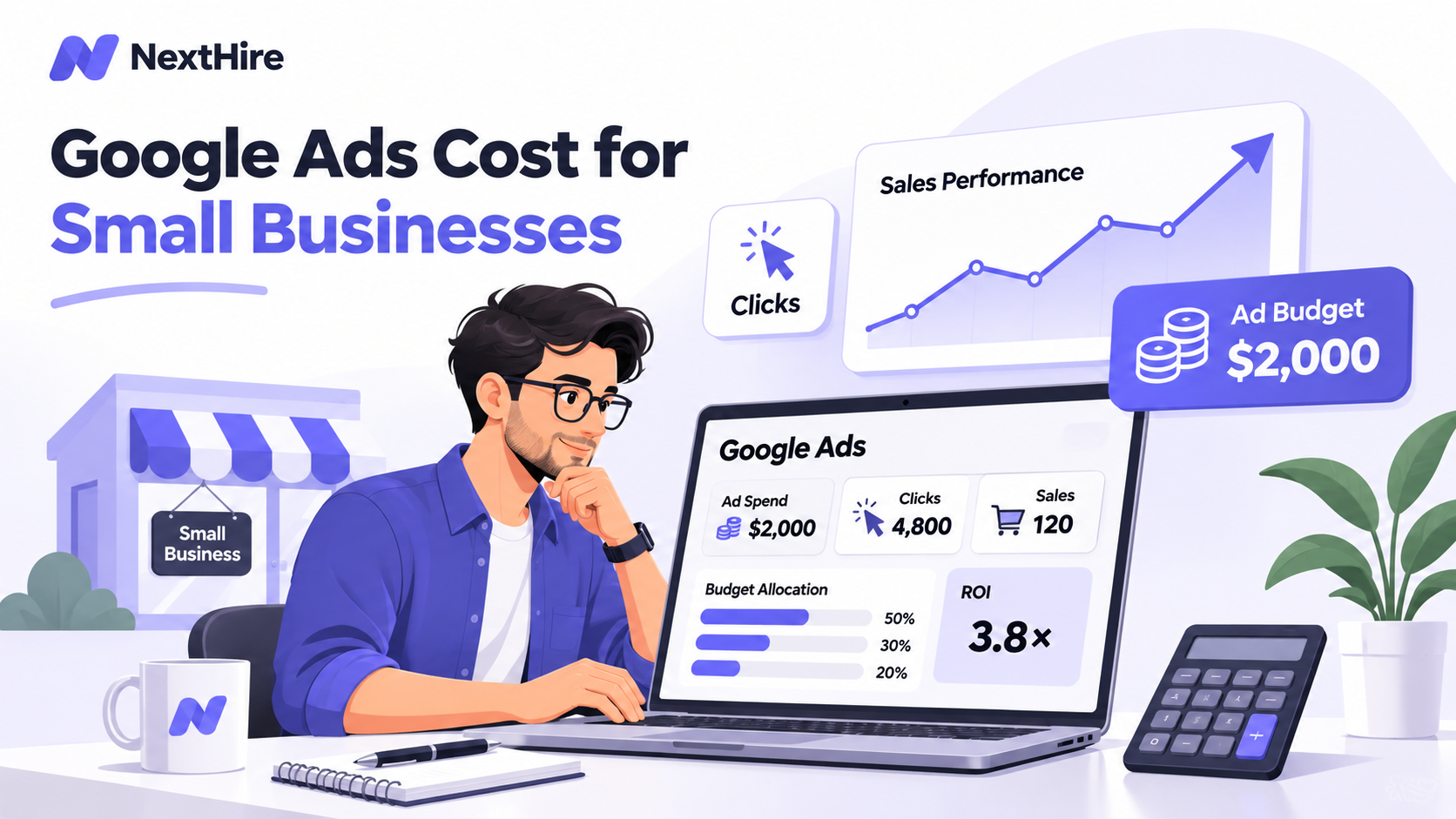


The Google Ads cost for small business campaigns is not a fixed monthly price. You control what you spend, but the number of leads you get depends on click prices, conversion rates, and the value of each customer. This guide shows you how to set a workable starting budget without treating clicks as the goal.
Key Takeaways
- Separate the amount paid to Google from any setup, management, or landing-page costs.
- Start with expected cost per click and conversion rate, then work backward from your affordable cost per customer.
- Test a narrow, trackable campaign before increasing spending. A bigger budget does not fix weak targeting or a poor landing page.
Google Ads Cost for Small Business: What Should You Expect?
There is no universal answer to the question, “How much does Google Ads cost for a small business?” A local repair company serving one city and a law firm competing across a major metro area face very different auctions.
As a reference point, WordStream’s 2026 U.S. search advertising benchmarks, drawn from more than 13,000 campaigns, reported an average cost per click (CPC) of $5.42 and an average cost per lead of $66.69.
These are cross-industry averages, not prices Google guarantees or targets you should automatically accept.
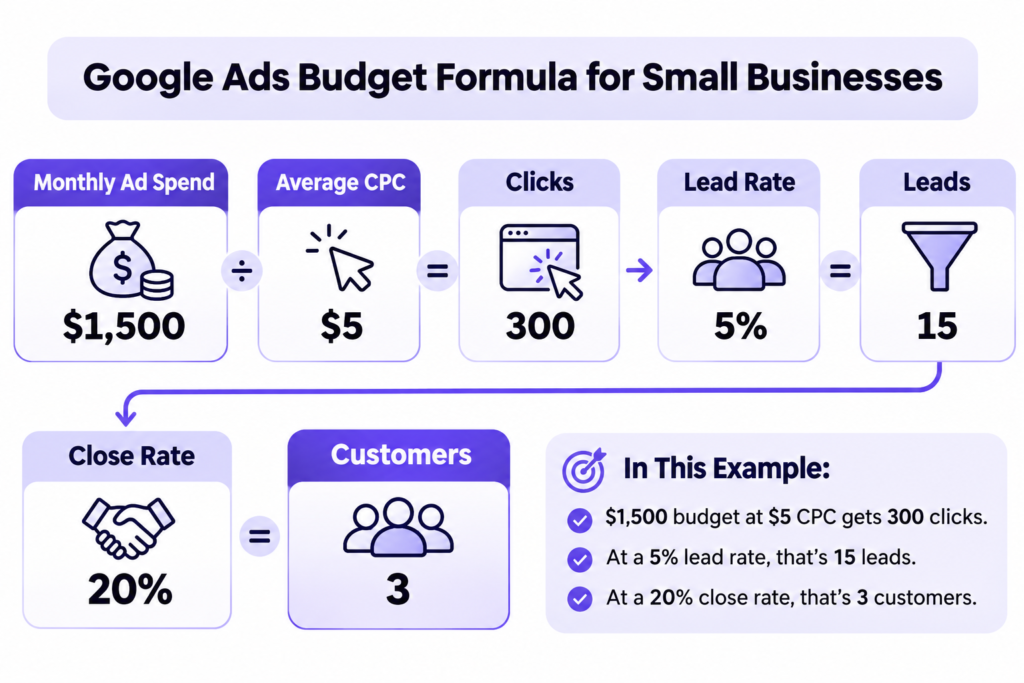
A useful first-pass Google Ads budget for small business planning is to model several possible click prices. For example, if your campaign averages $5 per click, $1,500 in media spend buys roughly 300 clicks. At $15 per click, that same budget buys only 100.
The real question is not whether $1,500 is a normal amount. It is whether enough of those clicks can turn into customers at a cost your margins can support.
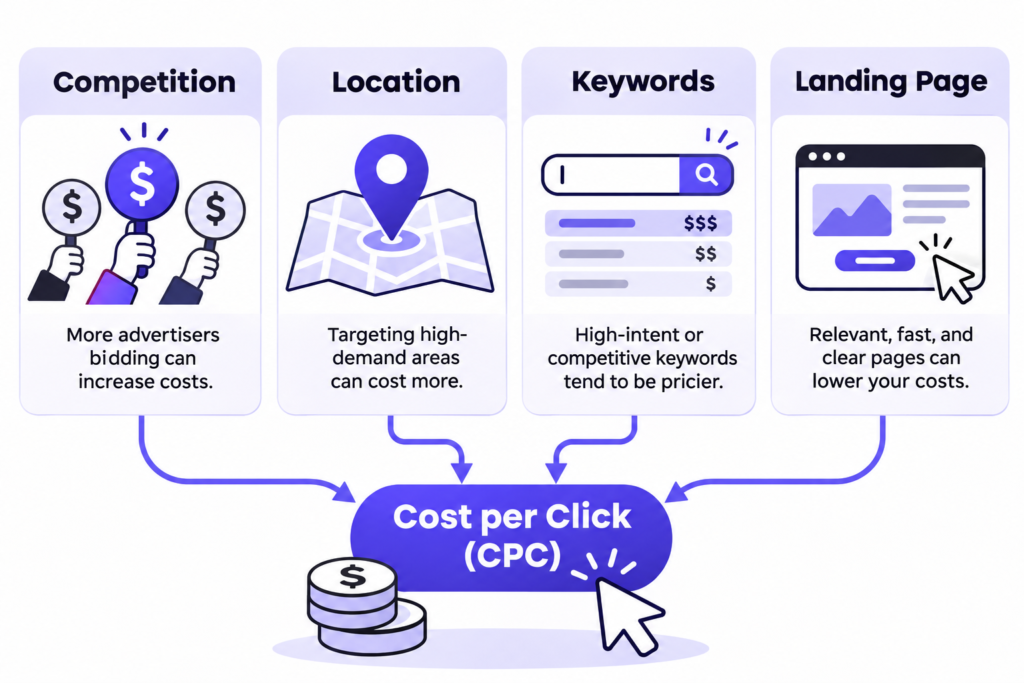
What Makes Google Ads More or Less Expensive?
Industry Competition and Search Intent
Advertisers bid for visibility when people search. Searches such as “emergency plumber near me” often carry immediate purchase intent, which can attract intense competition. Informational searches may cost less but convert less often.
Location matters, too. Targeting an entire state can add expensive, irrelevant traffic if you only serve a handful of ZIP codes. Focus first on places where you can reliably fulfill orders or appointments.
Keywords, Ad Quality, and Landing Pages
Your Google Ads cost per click changes with the auction, search context, your bids, and the relevance of your ads and landing pages.
A relevant search ad that leads to a clear service page is more useful than paying to appear for broad terms with uncertain intent.
Avoid sending every visitor to a generic homepage. Match the page to the promise in the ad, state the offer plainly, and make the next action easy on mobile.
Campaign Type and Business Goal
Search campaigns are a straightforward starting point when customers already search for your service. Shopping, Performance Max, Display, and video campaigns serve different purposes and may use different bidding signals.
Do not compare cheap display clicks with expensive high-intent search clicks without also comparing qualified leads, sales, and customer value.
The lowest CPC is rarely the best business metric.
How to Set a Monthly Google Ads Budget
The best monthly Google Ads budget starts with your economics, not someone else’s recommended spend. Work through these five decisions before activating a campaign.
1. Estimate Clicks Using Your Market, Not a National Average
Use Google’s Keyword Planner to review relevant search terms for your location and inspect bid estimates and traffic forecasts.
Start with ten to twenty commercially focused terms, not every phrase connected to your industry.
Estimate monthly clicks using:
Estimated clicks = Ad spend ÷ Average cost per click
If the estimate is too uncertain, calculate low-, middle-, and high-cost scenarios rather than committing to one number.
2. Estimate Leads and Customers
Next, multiply estimated clicks by a reasonable conversion-rate assumption.
For a new campaign, use a cautious assumption and replace it with actual tracked data as soon as possible.
Here is an illustrative budget model, using $5 CPC and a 5% visitor-to-lead rate. These assumptions are examples, not guaranteed performance or industry averages.
| Monthly ad spend | Approx. clicks | Estimated leads | Average daily budget* |
| $500 | 100 | 5 | $16.45 |
| $1,000 | 200 | 10 | $32.89 |
| $1,500 | 300 | 15 | $49.34 |
| $3,000 | 600 | 30 | $98.68 |
Daily amounts are monthly spend divided by 30.4 and rounded. Actual spending varies by day; these figures exclude management fees.
A $500 test may be useful in a narrow market with inexpensive clicks. In a high-CPC category, it might produce too few visits to make a confident decision.
Budget for enough relevant activity to learn, not just enough to switch campaigns on.
3. Decide What a Customer Is Worth
Suppose you spend $1,500 on ads and receive 15 inquiries.
If your sales team closes 20% of them, you win three customers. Your ad-only acquisition cost is $500 per customer.
If each new customer contributes $900 after direct delivery costs, those three customers produce $2,700 in contribution.
Subtract the $1,500 media cost and you have $1,200 left before management fees and other overhead.
That margin can look healthy or unattractive depending on your service capacity and acquisition costs.
If your close rate falls to 10%, the result changes sharply. Use your own close rates and margins before deciding what is affordable.
4. Convert Your Monthly Target Into a Daily Budget
For most campaigns, Google calculates the monthly spending limit as:
Average daily budget × 30.4
A campaign set at $50 per day therefore has a typical monthly spending limit of $1,520, assuming that budget stays unchanged for a full month.
Google can spend up to twice the average daily amount on a particular day for most campaigns, while keeping billed spend within the applicable monthly limit.
5. Add a Buffer for Non-Media Expenses
Your available marketing budget is not the same as your ad budget.
Keep money aside for tracking setup, landing-page changes, creative work, call handling, and management if those are not already covered.
Remember Google Ads Management Fees
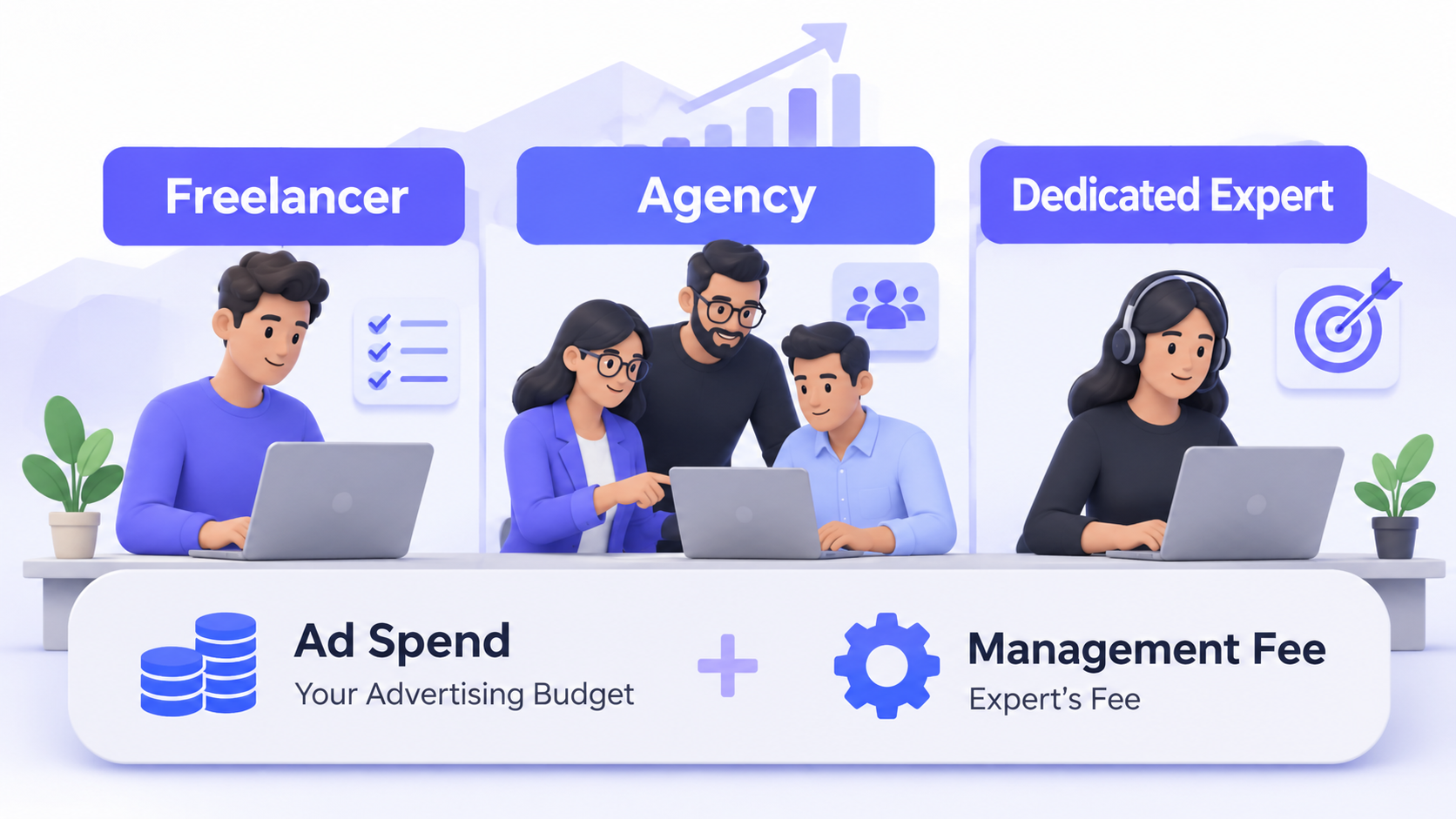
A Google Ads campaign has two possible bills: the spend charged by Google and the cost of someone running the account. They should be quoted separately.
Common arrangements include a flat monthly fee, an hourly rate, or a percentage of ad spend. Some providers also charge for initial setup.
Fees vary with campaign complexity, account size, reporting needs, and who creates the landing pages.
For example, a $1,500 ad budget plus a hypothetical $500 management fee creates a $2,000 total monthly outlay, before any setup or website work.
If you generate three customers, your total acquisition cost is about $667 each, not $500.
Ask what the fee covers: keyword research, conversion tracking, search-term reviews, ad testing, reporting, and regular optimization.
Also confirm that your business retains access to its Google Ads account and performance data.
Paying less for management is not automatically cheaper if nobody is monitoring wasted spend. Equally, hiring an expensive agency will not rescue a business with poor unit economics.
How to Reduce Wasted Spend Before Increasing Your Budget
A bigger campaign magnifies both good and bad decisions. Start with these controls:
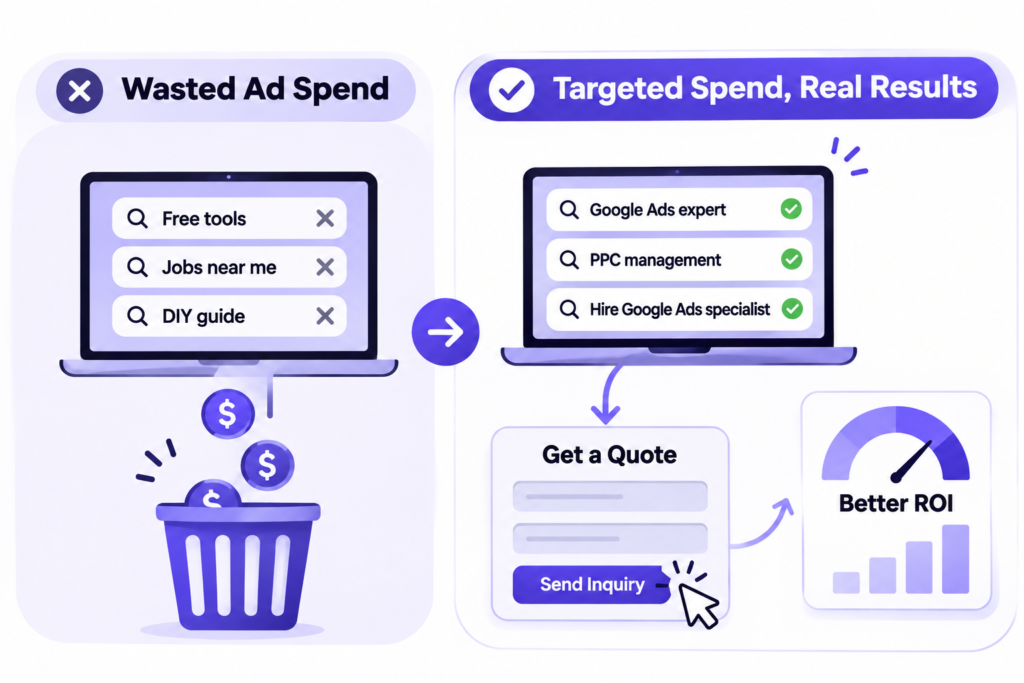
- Track meaningful conversions. Measure qualified calls, submitted inquiries, purchases, or booked appointments. Do not treat page views as sales.
- Review actual search terms. Add negative keywords when irrelevant searches consume spend, and check whether your match types are too broad.
- Restrict your service area. Exclude regions you cannot serve and align ad schedules with your ability to respond.
- Improve the page after the click. Check page speed, relevance, mobile usability, and form friction before buying more traffic.
- Separate strong and weak offers. Give your highest-margin or best-converting services their own ad groups or campaigns when volume supports it.
Look beyond impressions and clicks.
Watch cost per qualified lead, lead-to-customer rate, customer acquisition cost, and contribution margin.
If results are weak, diagnose the bottleneck before increasing bids.
Use a Simple Google Ads Cost Calculator Before Launching
You do not need complicated software to build a Google Ads cost calculator.
Create five inputs in a spreadsheet: monthly media budget, estimated CPC, lead conversion rate, sales close rate, and gross contribution per customer.
Then calculate:
Clicks = Budget ÷ CPC
Leads = Clicks × Conversion rate
Customers = Leads × Close rate
Contribution after ads = (Customers × Contribution per customer) − Ad spend
Subtract any management or setup costs separately.
Run a pessimistic scenario where clicks cost more and lead quality is worse than expected.
If that version would create unacceptable losses, reduce scope, improve the offer, or postpone launch until tracking and follow-up are ready.
Use the model as a decision tool, not a forecast that promises a specific number of customers.
When Should You Increase or Pause Spending?
Increase spending when your tracking works, leads are genuinely qualified, the team responds quickly, and the economics hold across enough conversions to reduce guesswork.
Raise budgets gradually and watch whether cost per acquisition stays acceptable.
Pause and investigate when searches are irrelevant, leads cannot be contacted, conversion tracking is broken, or your effective acquisition cost exceeds what customers are worth.
A campaign with few conversions may simply need more data, so avoid judging it by one bad day.
If running those checks takes time you do not have, working with an experienced Google Ads expert may be more useful than adding another $500 to an unmanaged campaign.
Frequently Asked Questions
Is $500 a Month Enough for Google Ads?
It can be enough to test a tightly targeted campaign where clicks are affordable. At $10 per click, however, $500 buys roughly 50 clicks, which may be too little to evaluate lead quality reliably.
Can I Run Google Ads for $10 a Day?
Yes, you can choose a small average daily budget. At $10 a day, the typical monthly spending limit for most campaigns is $304. Whether it works depends on click prices and conversion volume.
Do I Pay Google Ads if Nobody Clicks?
With cost-per-click bidding, you normally pay for clicks. Other campaign types and bidding approaches can charge based on different interactions or outcomes. Check the chosen campaign’s billing model.
What Is a Good Cost per Lead for a Small Business?
One you can turn into profitable customers. Compare lead cost with your close rate and contribution per sale, not just an industry benchmark. A $100 lead can be excellent or disastrous depending on what follows.
Are Management Fees Included in Google Ads Spend?
Usually not. Media spend is paid to Google; agency or specialist fees are separate unless a provider explicitly bundles them. Request an itemized quote so the real total is clear.
Build a Budget You Can Defend
A sensible Google Ads budget is one you can measure, explain, and afford to test.
Forecast relevant clicks, estimate how many become customers, include every management cost, and expand only when the numbers support it.
NextHire can help you find a Google Ads specialist to manage the work while you focus on running the business.