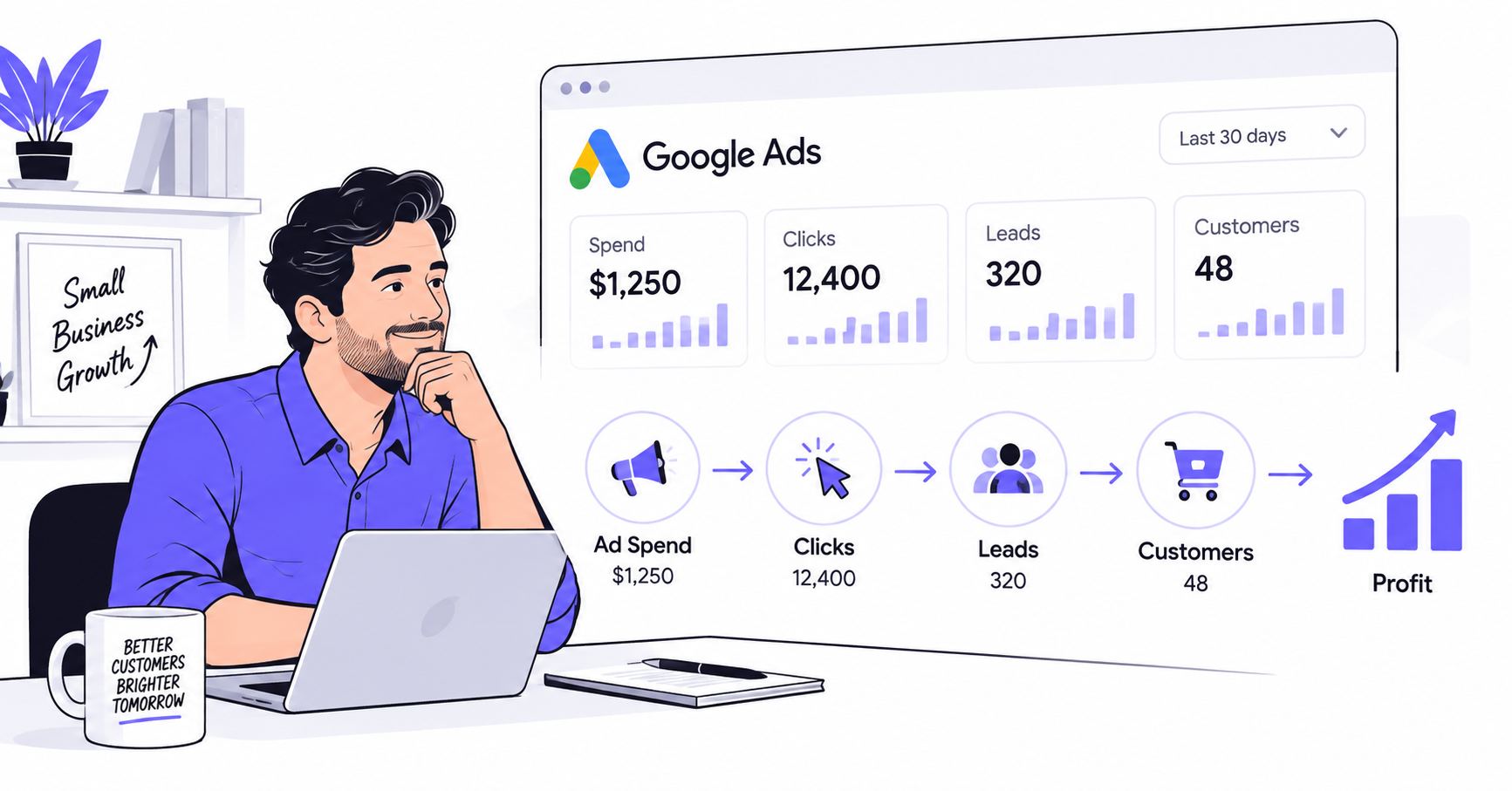



Running Google Ads without knowing what to measure is like watching your fuel gauge and nothing else. You can see money disappearing, but not whether it’s actually driving your business somewhere.
Most founders managing their own account, or overseeing a freelancer, don’t have time to learn PPC as a discipline. This guide covers how to measure Google Ads performance using the handful of numbers that actually matter.
You’ll also see where to check them, and when it’s smarter to hand the account to someone who does this daily.
Key Takeaways
- If you only track one number, track conversion rate, not clicks. Clicks with no conversions just burn budget faster.
- Compare your CTR, CPC, and conversion rate against industry benchmarks, not just last month’s numbers, or you won’t know what “good” actually looks like for your business.
- If checking your Google Ads dashboard already eats a chunk of your week, that’s a signal to hand it off, not a reason to check it less.
How to Measure Google Ads Performance: Start With Your Goal
Google Ads throws dozens of numbers at you. Most don’t matter for your business. The first step isn’t picking metrics, it’s picking your goal.
If you’re a local service business, you probably care about cost per lead and how many of those leads turn into paying customers. If you sell products online, you care about return on ad spend.
If you’re building brand awareness before a launch, impressions and reach matter more than conversions right now.
Here’s why this matters: a SaaS founder chasing signups and an ecommerce owner chasing sales should be looking at almost none of the same numbers day to day, even if they’re both running Google Ads.
Applying one playbook to both is how founders end up optimizing for the wrong thing.

Pick your goal first. Everything below gets easier once you know what “working” is supposed to look like for your specific campaign.
The 5 Numbers That Actually Matter
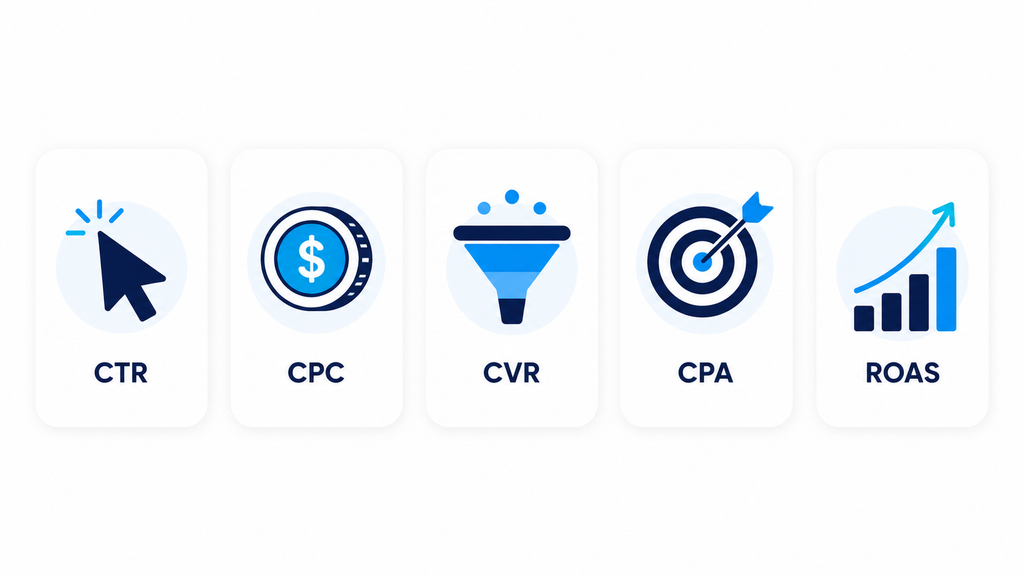
Ignore the rest of the dashboard for now. These five give you a complete picture of whether your ad spend is working.
1. Click-Through Rate (CTR)
CTR is the percentage of people who see your ad and click it. If 1,000 people see your ad and 30 click, that’s a 3% CTR.
CTR tells you whether your ad copy and targeting are actually relevant to the people seeing it.
A low CTR usually means one of two things: you’re showing the ad to the wrong audience, or the ad itself isn’t compelling enough to earn a click.
Average CTRs vary a lot by industry, so don’t panic over a single number. Check it against your own account’s history first, then against industry benchmarks if you want outside context.
2. Cost Per Click (CPC)
CPC is what you pay every time someone clicks your ad. If you spend $200 and get 100 clicks, your CPC is $2.
CPC is driven by keyword competition and by Google’s Quality Score, which rates how relevant your ad, keyword, and landing page are to each other.
A high CPC isn’t automatically bad if those clicks convert well, but it’s worth watching so your budget doesn’t quietly evaporate.
3. Conversion Rate
Conversion rate is the percentage of clicks that turn into the action you actually want: a purchase, a form fill, a phone call. If 100 people click your ad and 5 take that action, that’s a 5% conversion rate.
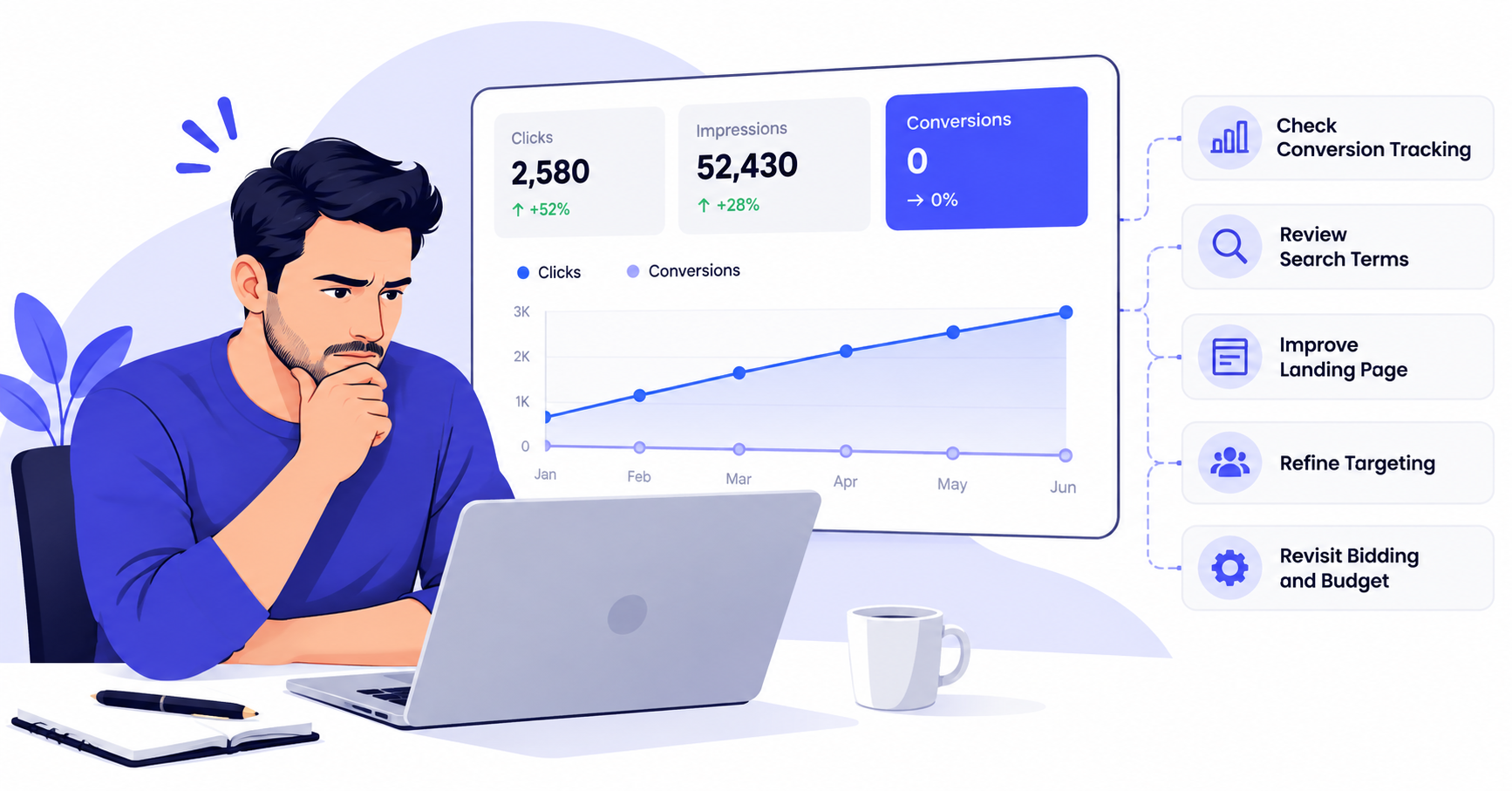
This is the number that separates a campaign that looks busy from one that actually makes you money. High clicks with a low conversion rate usually points to a mismatch between what the ad promises and what the landing page delivers.
4. Cost Per Conversion (CPA)
Cost per conversion tells you what each sale, lead, or signup is actually costing you. Spend $500 and get 10 conversions, and your CPA is $50.
This is the metric to compare against what a customer is actually worth to your business. If your CPA is higher than your average customer’s lifetime value, the math doesn’t work no matter how good the other numbers look.
5. Return on Ad Spend (ROAS)
If you sell online, ROAS ties everything together. It’s the revenue you generate for every dollar spent. Spend $1,000 and generate $4,000 in sales, and your ROAS is 4x.
ROAS is the clearest signal of whether your Google Ads spend is profitable, not just active. For lead-gen or service businesses without direct online sales, CPA is usually the better stand-in.
Make Sure You’re Tracking the Right Conversions First
None of the five numbers above mean anything if your conversion tracking is broken or set up to count the wrong thing. This is the step most first-time advertisers skip, and it’s the one that quietly wastes the most money.
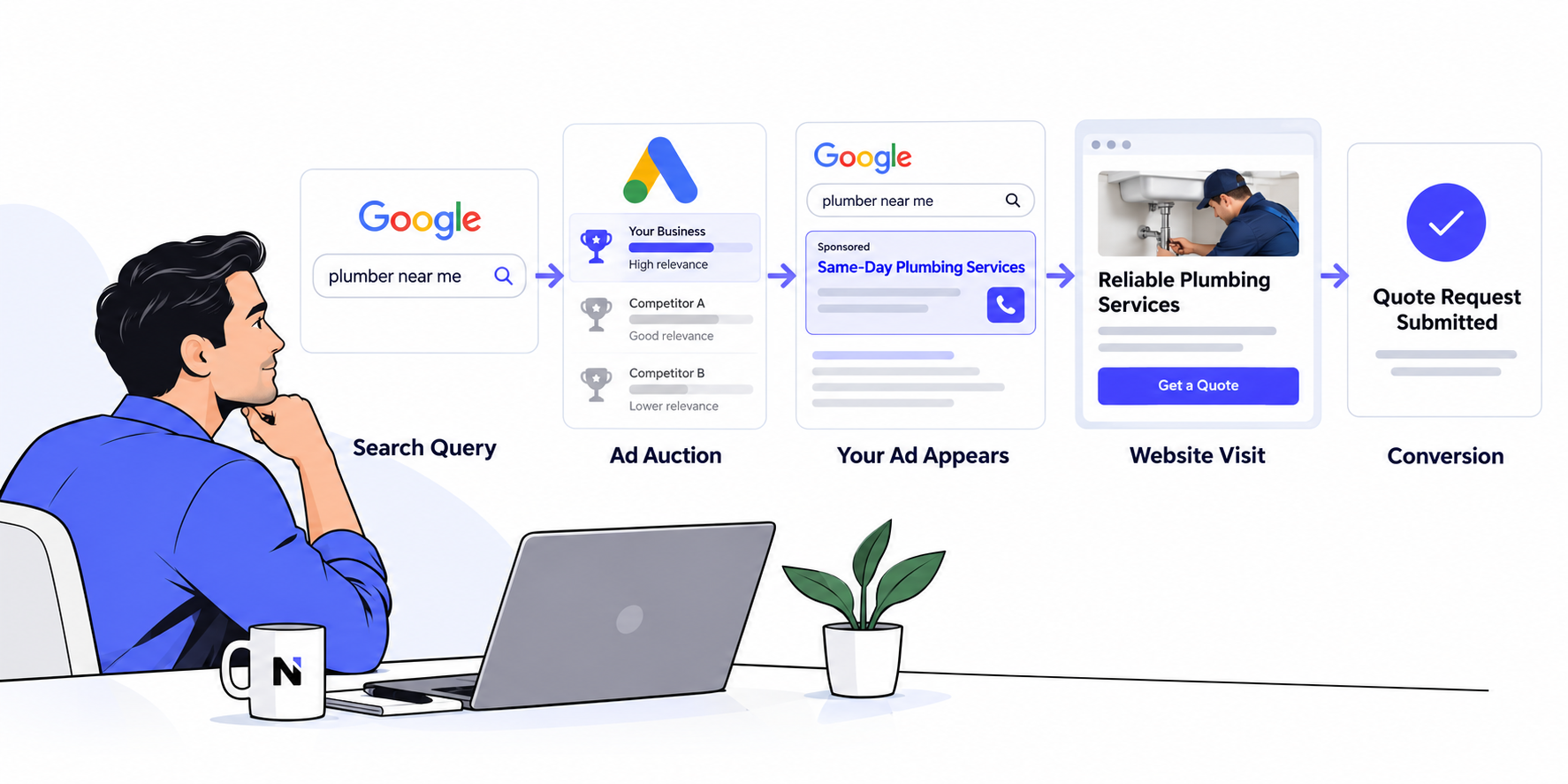
A “conversion” should be an action that actually creates value: a completed purchase, a booked call, a submitted form, a qualified phone call.
It shouldn’t be a page view, a click on a button that doesn’t lead anywhere, or a form abandoned halfway through.
Two mistakes show up constantly in accounts run by non-marketers. First, counting every form submission as a conversion, including spam and obviously unqualified leads, which inflates your conversion rate and hides your real cost per customer.
Second, not tracking phone calls at all. That’s common for service businesses, and it makes the whole account look worse than it actually performs.
Before you trust any of the numbers below, open your Google Ads account and confirm what’s actually being counted as a conversion.
If you’re not sure how, that’s a reasonable first thing to hand off, even before you hand off the rest of the account.
Where to Actually Check These Numbers
You don’t need five different tools. Two are usually enough.
The Google Ads dashboard gives you CTR, CPC, conversions, conversion rate, and cost data by campaign, ad group, and keyword. Set up a custom column view with just these five metrics.
That way you’re not wading through everything else every time you log in.
Google Analytics shows you what happens after the click. It tells you whether visitors stick around, where they drop off, and how Google Ads traffic compares to your other channels.
Pairing Ads data with Analytics data is how you catch a good ad sending traffic to a weak landing page.
Set a recurring 15-20 minute check each week, not a deep dive every day. Daily fluctuations are usually noise. Weekly trends are the signal worth acting on.
Red Flags That Mean Something’s Wrong
A few patterns are worth watching for, since they usually point to a specific fix rather than a vague “the ads aren’t working.”
High clicks, low conversions almost always means a landing page problem, not an ad problem. The ad is doing its job. The page after the click isn’t closing the gap.
Rising CPC with flat conversions usually means competitors are bidding more aggressively, or your Quality Score has slipped. Either way, your cost per result is climbing even if nothing else changed.
Good CTR, poor CPA suggests you’re attracting attention from the wrong audience. The ad is compelling, but not to people who actually buy.
Spend increasing faster than conversions is the clearest sign your budget is scaling past what your targeting or landing pages can efficiently convert.
For example, say your CPC has crept from $2 to $3.50 over two months while conversions stayed flat. That’s roughly a 75% increase in what you’re paying for the same results.
Left unchecked for a quarter, that gap alone can eat a meaningful chunk of a small business’s marketing budget.
When to Stop Managing It Yourself
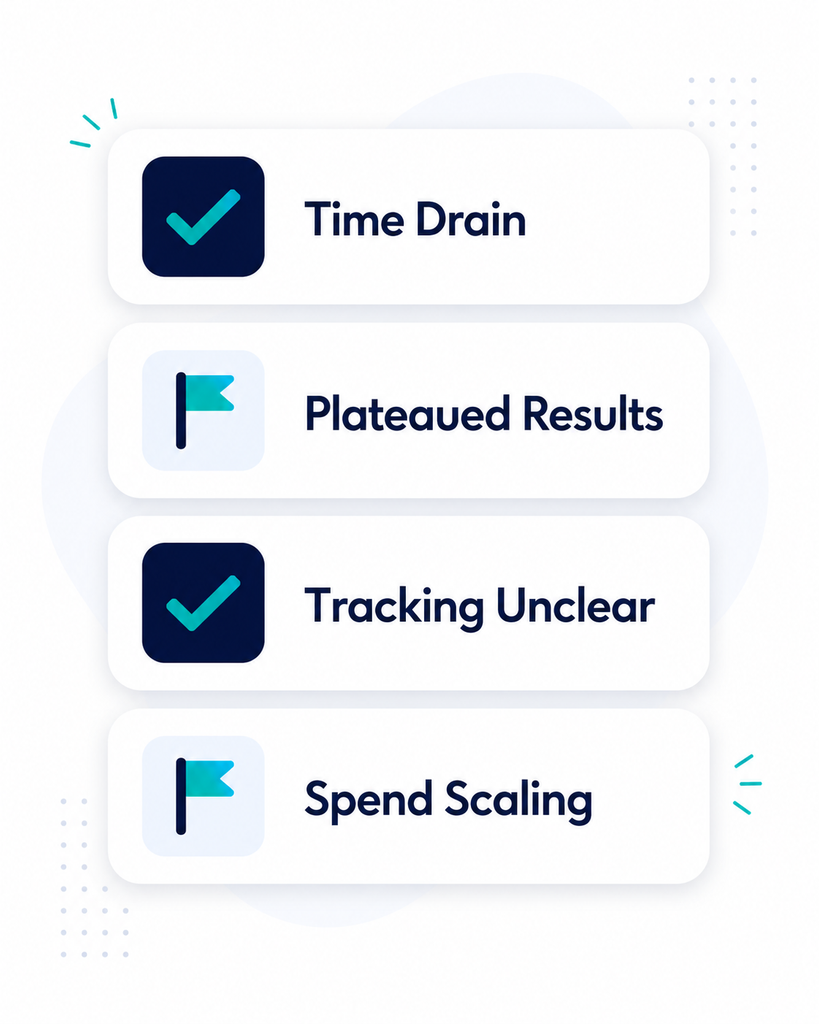
Checking these five numbers weekly is manageable for almost anyone. Acting on what they tell you, testing new ad copy, adjusting bids, rebuilding a landing page, is where most founders run out of time.
A few honest signals it’s worth hiring a Google Ads specialist instead of managing it yourself:
- You’re spending more time in the Google Ads dashboard than on the parts of the business only you can run.
- Your metrics have plateaued for a month or more and you don’t know why.
- You’re not confident your conversion tracking is even set up correctly, which makes every other number unreliable.
- Your ad spend has grown to the point where a few percentage points of efficiency are worth real money.
That last point matters more than it sounds. A specialist who improves your conversion rate by even a few points, or trims a wasteful $3 CPC down to $2, often pays for themselves well before you notice the invoice.
If your Google Ads spend is tangled up with broader performance marketing or lead generation goals, it’s worth looking at performance marketing or lead generation specialists too, rather than treating Google Ads as an isolated line item.
And if you’re not sure your conversion tracking is trustworthy in the first place, a Google Analytics expert can get that foundation right before anyone starts optimizing campaigns on top of it.
The Bottom Line
You don’t need to master every metric in the Google Ads dashboard. You need five numbers, checked consistently, and the judgment to know when a problem is worth fixing yourself versus handing to someone who does this full-time.
Track CTR, CPC, conversion rate, CPA, and ROAS if you sell online. Check them weekly, and watch for the red flags above.
If the account is eating more of your week than it’s worth, talk to nexthireinc about finding a Google Ads specialist who can take it off your plate for good.