


If you run a Shopify store, you can handle plenty of day-to-day work without touching code. The line changes when you need custom functionality, faster performance, cleaner integrations, or a storefront your theme editor cannot produce. So, what does a Shopify developer do? They turn those technical requirements into a store that works reliably and is easier to scale.
Key Takeaways
- A Shopify developer customizes themes, builds features, connects apps and systems, fixes technical problems, and improves storefront performance.
- The core Shopify developer skills include Liquid, HTML, CSS, JavaScript, theme architecture, APIs, testing, and practical ecommerce judgment.
- You usually need a developer when a task goes beyond normal Shopify admin settings or when mistakes could affect revenue, tracking, checkout, or store stability.
What Is a Shopify Developer?
A Shopify developer is a web developer who specializes in building, customizing, extending, and maintaining stores on Shopify. Instead of working only inside the visual theme editor, they can change the code and technical systems behind the storefront.
A store owner might update products, prices, images, collections, discount codes, and basic theme settings. A developer steps in when you need changes that the standard controls cannot safely or efficiently handle.
Shopify themes use a defined architecture built around layouts, templates, sections, blocks, snippets, assets, and configuration files. Liquid generates dynamic storefront markup, while CSS and JavaScript control styling and interactive behavior. Shopify documents this structure in its official theme architecture guidance.
A developer understands how those pieces interact, which makes custom work easier to maintain instead of turning every update into another workaround.
What Does a Shopify Developer Do Day to Day?
The workload depends on the store. A smaller brand may need a few hours of technical help each month. A growing ecommerce company may need continuous work on features, integrations, performance, and testing.
Most Shopify developer services fall into these areas. Theme work, app integrations, performance optimization, migrations, and maintenance are also recurring responsibilities across current Shopify developer guides.
1. Customize Shopify Themes
Shopify theme development is one of the most common responsibilities.
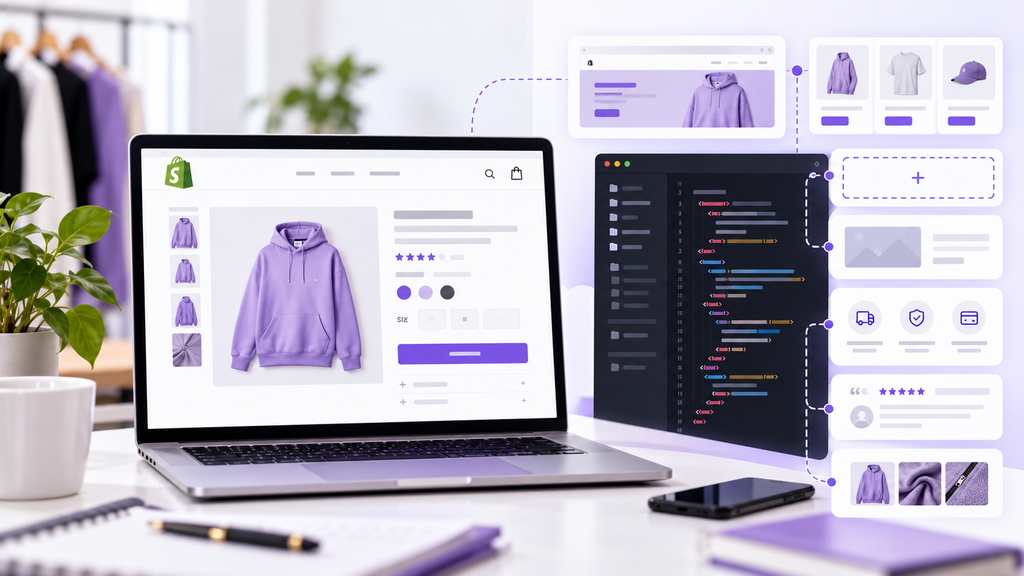
A developer can change layouts, sections, product templates, collection pages, navigation, cart behavior, and responsive design. They can also build reusable sections so your team can update content later without requesting a code change each time.
For example, you may want product pages with custom comparison tables, size guides, subscription options, sticky add-to-cart controls, or different layouts by product type. A developer can turn those requirements into reusable theme components.
2. Build Custom Features and Shopify Apps
Not every business requirement belongs in a theme.
If you need complex pricing logic, custom product configuration, specialized workflows, customer portals, unique integrations, or functionality that does not exist in an off-the-shelf app, the work may require Shopify app development.
Shopify provides development tools and extensions for adding app-based functionality to stores.
A developer should first decide whether you need custom code at all. Sometimes an existing app is the smarter option. In other cases, custom development gives you better control and avoids stacking multiple tools to solve one problem.
3. Integrate Shopify With Other Business Systems
Your ecommerce store rarely operates alone.
A Shopify developer may connect Shopify with a CRM, ERP, warehouse, 3PL, subscription platform, loyalty system, email platform, analytics stack, inventory tool, or internal application.
The technical work can include APIs, webhooks, data mapping, authentication, error handling, and testing. The business goal is simple: information should move between systems without your team copying it manually.
4. Improve Store Speed and Front-End Performance
A store can look polished and still be technically heavy.
Developers investigate slow templates, oversized assets, duplicate scripts, unused app code, inefficient Liquid, and third-party tags. They can then reduce or reorganize the code without removing functionality the business still needs.
Performance changes need care. Removing scripts or apps blindly can break tracking, reviews, subscriptions, search, or other storefront functions.
If speed is the main problem, our breakdown of Shopify speed optimization cost explains what typically affects the scope and price of optimization work.
5. Fix Bugs and Troubleshoot Store Problems
Ecommerce bugs have a direct cost.
A broken variant selector can stop customers from choosing a product. A cart conflict can block purchases. A bad mobile layout can hide an important button.
A Shopify developer reproduces the issue, identifies the source, tests a fix, and deploys it with minimal risk to the live store.
This is one reason businesses keep technical help available after launch. Apps, campaigns, products, tracking tools, and customer requirements keep changing.
6. Handle Migrations and Major Store Changes
Moving to Shopify is not just a design project.
A migration can involve products, variants, collections, customers, redirects, metadata, images, integrations, tracking, and SEO-sensitive URLs. A developer helps determine what can be migrated directly, what needs transformation, and what must be rebuilt.
The same applies to major redesigns. A developer plans around technical dependencies instead of treating a new theme as an isolated visual project.
7. Maintain and Extend the Store Over Time
Development does not stop on launch day.
Ongoing work may include new landing page components, seasonal merchandising features, app changes, analytics updates, bug fixes, and support for new business processes.
Some businesses need a developer only for projects. Others benefit from a recurring resource who already understands the store and its codebase.
Shopify Developer Skills That Actually Matter
A Shopify developer job description often lists languages and tools. Those matter, but syntax alone does not tell you whether someone can safely work on a revenue-generating store.
Here are the Shopify developer skills worth evaluating.
Liquid and Theme Architecture
Liquid is central to Shopify theme development. A developer should understand templates, sections, blocks, snippets, objects, tags, filters, metafields, and merchant-editable settings.
They should also know when not to hardcode something. If your team changes a promotion every week, that flexibility should usually live in the editor.
HTML, CSS, and JavaScript
These are the front-end foundations of a Shopify storefront.
HTML structures pages, CSS controls presentation and responsiveness, and JavaScript powers interactions such as carts, filters, sliders, and dynamic forms.
Strong developers also avoid adding complexity simply because a more complicated solution is possible.
APIs, Apps, and Data Flow
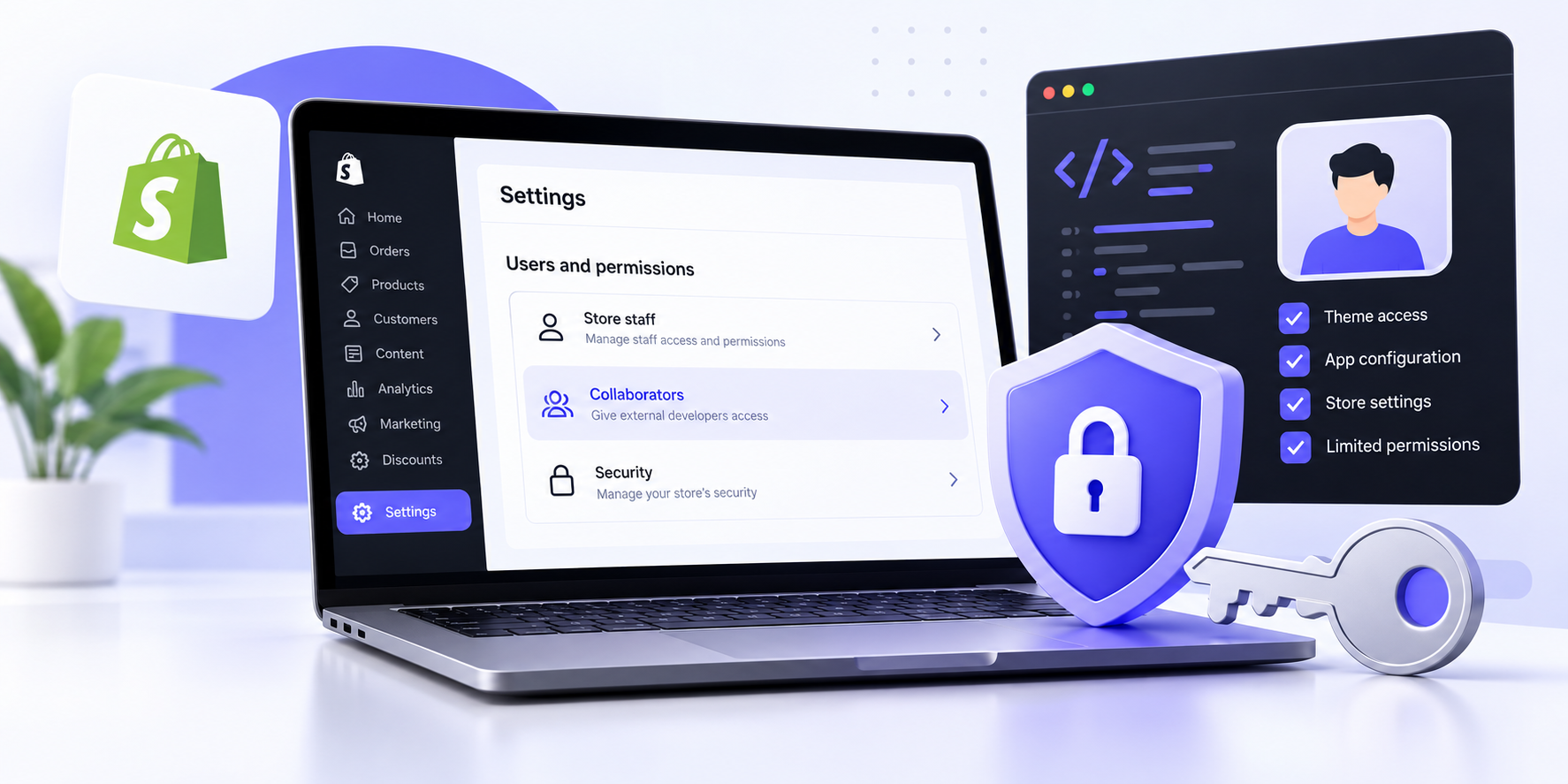
More advanced stores require developers who understand APIs, app extensions, webhooks, authentication, and data flow between Shopify and external systems.
This matters when Shopify is connected to operations. A polished storefront is not enough if inventory, customer, fulfillment, or order data is unreliable.
Testing, Debugging, and Version Control
You are not hiring someone just to make code work once.
A reliable developer should have a process for testing changes, isolating bugs, tracking revisions, and reducing deployment risk. Ask how they test changes and what happens if a release causes a problem.
Ecommerce Judgment
This skill often separates a coder from a useful ecommerce developer.
A strong developer asks what business problem a feature solves. They understand that adding another app can affect speed, and that a technically impressive interaction is useless if it makes mobile shopping harder.

Shopify Developer Services: What Can You Hire Them For?
| Need | Typical Developer Work | Skill Level Often Needed |
| Small theme edits | CSS fixes, section changes, minor Liquid updates | Junior to mid-level |
| Custom product or collection layouts | Reusable sections, templates, metafields, JavaScript | Mid-level |
| Store speed optimization | Script review, theme cleanup, app impact analysis | Mid to senior |
| Third-party integration | APIs, webhooks, authentication, data mapping | Mid to senior |
| Custom app | Business logic, app architecture, APIs, extensions | Senior or specialist |
| Platform migration | Data migration, redirects, rebuild, testing, integrations | Mid to senior |
| Ongoing development | Features, maintenance, troubleshooting, releases | Depends on complexity |
Do not hire a senior app specialist for a two-hour CSS cleanup. The reverse is also true. A developer who is excellent at theme edits may not be the right person to architect a complex integration.
Scope the problem first, then match the developer to it.
What Does a Shopify Developer Do That You Should Not Do Yourself?
You do not need a developer for every Shopify task.
If you are adding products, changing copy, updating images, managing discounts, or using settings already exposed in your theme, your internal team can often handle the work.
Bring in technical help when the task requires code, affects multiple systems, introduces meaningful revenue risk, or will be repeated often enough that a reusable solution is better than a manual workaround.
When Is It Worth Hiring a Shopify Developer?
Hiring makes sense when one or more of these problems keeps showing up:
- Your theme editor cannot produce the layout or feature you need.
- Apps are piling up and the store is getting harder to maintain.
- Store speed has dropped after repeated feature additions.
- Your team is spending hours on a process that could be automated.
- You need Shopify connected to another critical business system.
- Bugs keep returning because earlier fixes were only patches.
- You are migrating, redesigning, or preparing for a major growth phase.

Freelancer, Agency, or Dedicated Shopify Developer?
The right model depends on the workload.
A freelancer can work well for clearly scoped projects or occasional fixes. An agency may make sense when you need several disciplines at once. A dedicated remote developer can fit ongoing work where one person needs to build context around your store and systems.
If you are comparing the first two models, read our Shopify freelancer vs agency comparison.
Whatever model you choose, judge the developer on relevant Shopify work, communication, testing habits, and how well they understand the problem you need solved.
What Should You Give a Shopify Developer Before They Start?
Start with the business outcome, not a long list of instructions. Explain what is happening now, what should change, who uses the feature, and how you will know the work is successful.
Then provide the affected pages, approved designs, required integrations, mobile expectations, analytics requirements, deadline, appropriate access, and clear acceptance criteria.
For larger work, ask the developer to confirm assumptions before development begins. That small step can prevent days of building the wrong solution.
FAQs About Shopify Developers
Is a Shopify developer the same as a Shopify designer?
No. A designer focuses on visual hierarchy, brand presentation, and user experience. A developer turns designs and functional requirements into working Shopify code. Some professionals do both, but the skills are different.
Do I need a Shopify developer to start a store?
Not always. Many merchants can launch with an existing theme and built-in settings. A developer becomes more useful for custom functionality, deeper theme changes, integrations, performance work, or ongoing technical support.
Can a Shopify developer build custom apps?
Yes, if they have the required app-development skills. Custom apps can support specialized workflows, integrations, pricing logic, or store features that standard apps do not handle well.
How much does it cost to hire a Shopify developer?
Cost varies by complexity, experience, location, hiring model, and whether the work involves themes, integrations, or custom apps. Define the scope before comparing rates so you are comparing similar work.
Hire for the Problem, Not Just the Job Title
The answer to what does a Shopify developer do is broader than “write Shopify code.” The role can include theme architecture, custom features, app work, integrations, performance, troubleshooting, migrations, testing, and long-term improvements.
The hiring decision gets easier when you define the problem first. If you need ongoing technical ownership instead of another temporary patch, NextHire can help you hire Shopify developers who match the actual scope of your store.